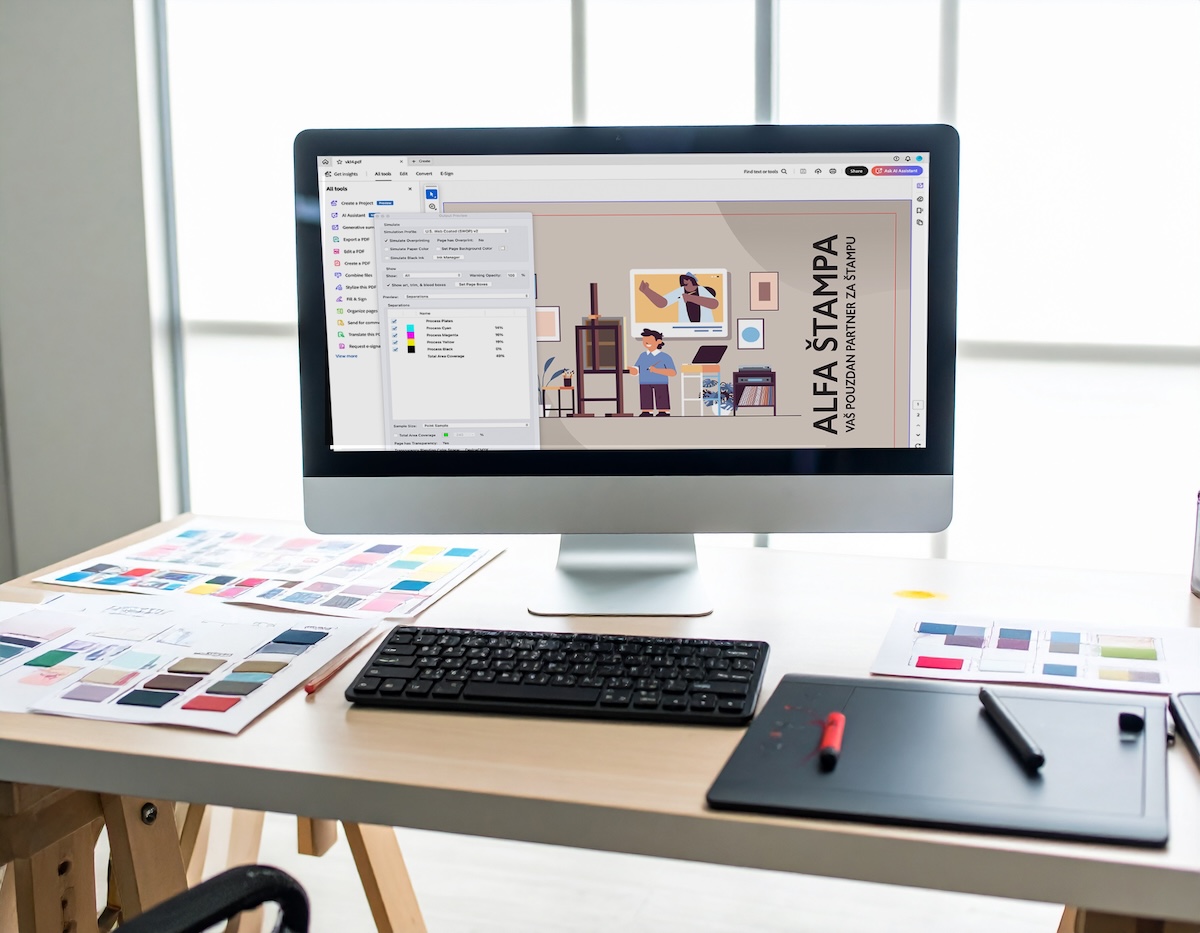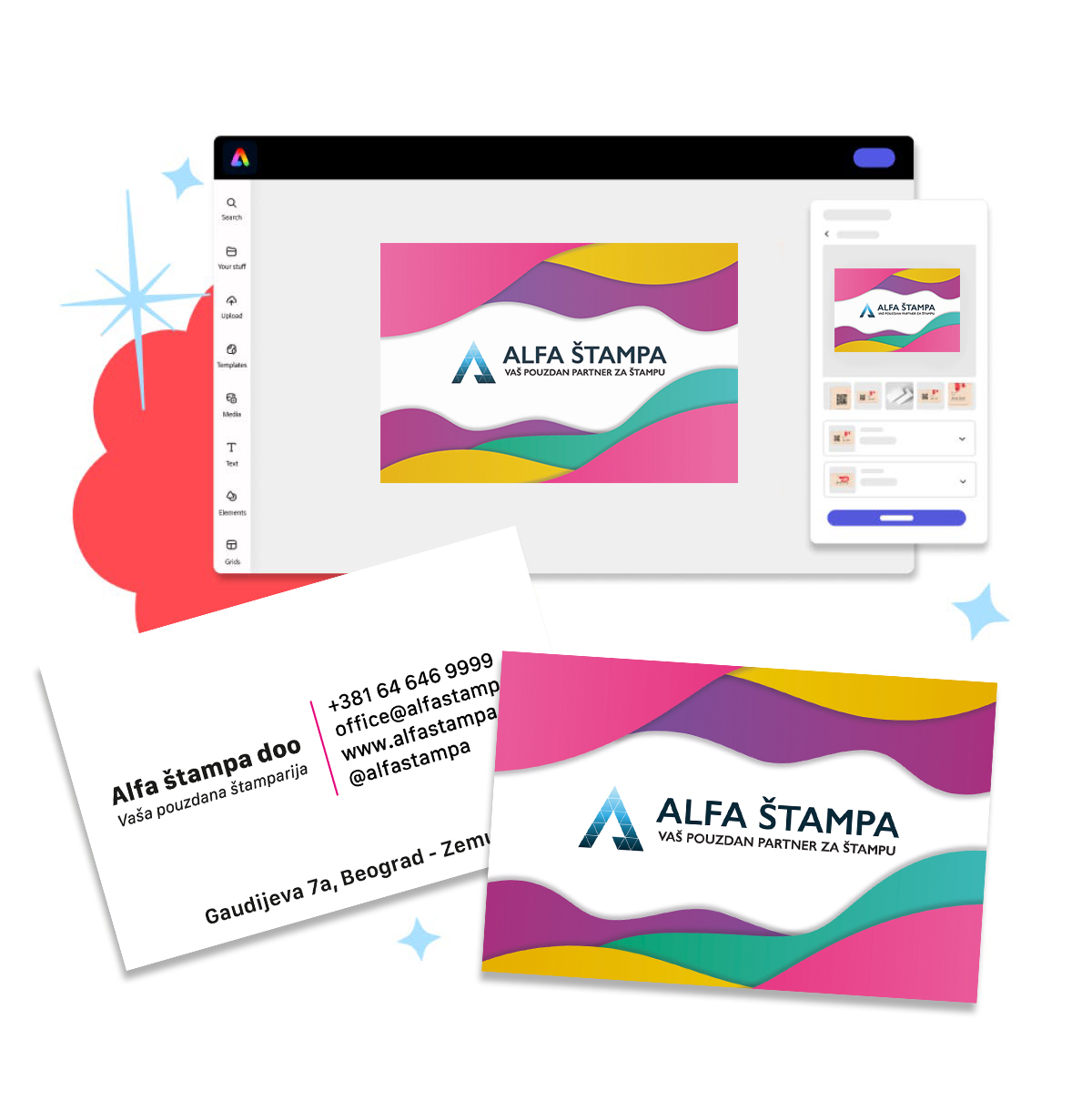


Many of our clients use Canva.com for design, so we decided to share two tips to help you ensure the best possible print quality for your design.
1. Make sure you do not place text too close to the edge.


2. When saving the file, use the following settings: Share → Download → PDF Print
Check the box: Crop marks and bleed


That is it. Your file is now ready for printing and you can upload it through our website or send it to us by email.