
How to Make a Business Card - Using Canva and Adobe Express
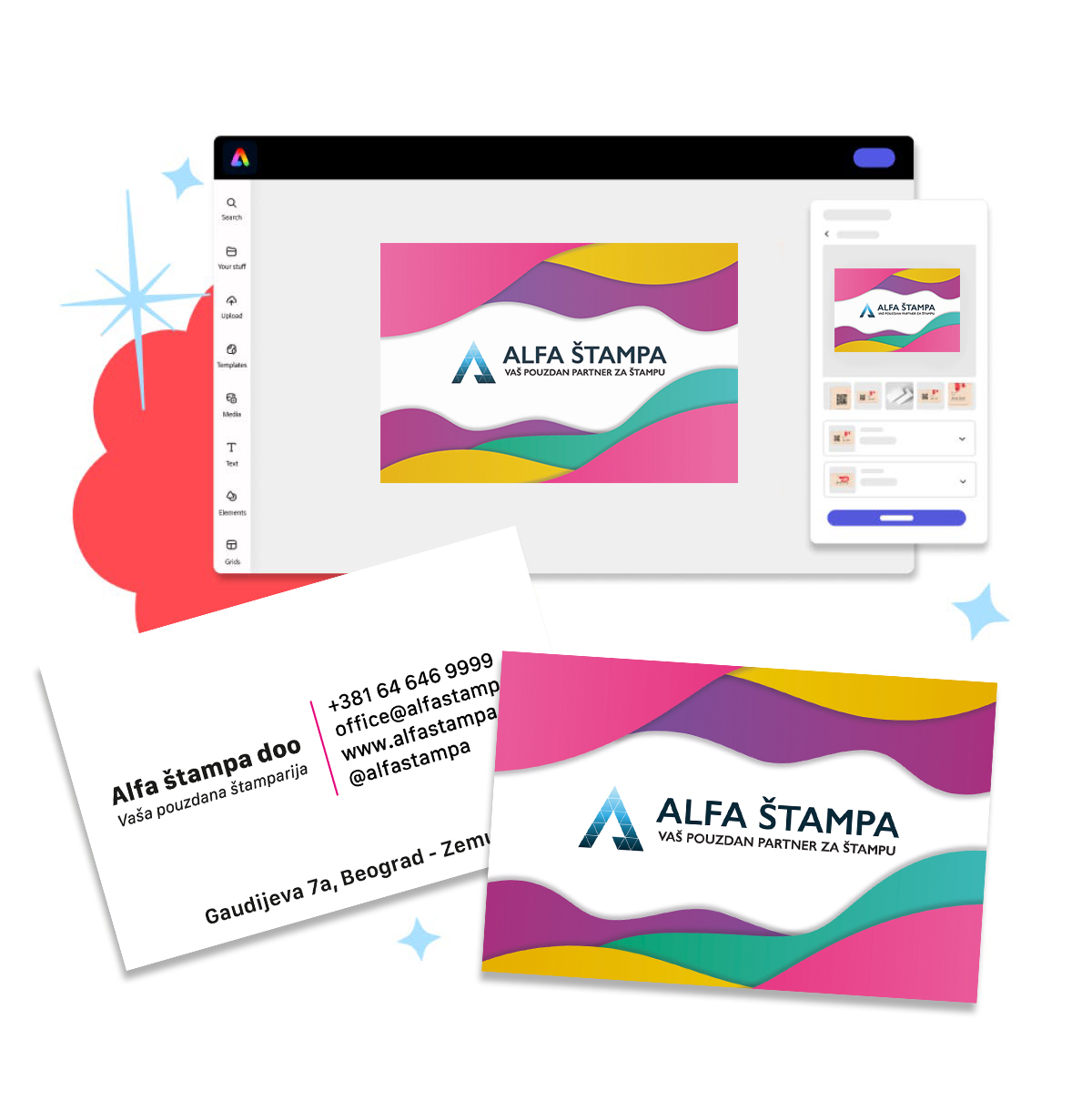
Alfa Print has explored the easiest ways to create a business card yourself, without hiring a designer or using complicated software. In this guide, we share completely free tools and proven tips to help you create a professional design in just a few minutes. Thanks tomodern online tools, you can design a business card yourself quickly, easily and completely free. In this guide, we show you how to do it using two popular platforms: Canva and Adobe Express.
When you finish the design, simply send us the file and we will take care of premium printing.
🛠️ What do you need?
-
A computer or phone with internet access
-
An email address for creating a free account
-
Basic information for your business card: name, company, phone number, email, address and logo if you have one

✏️ 1. How to make a business card in Canva tool
Canva is one of the most popular online design tools, with hundreds of ready-made templates.
✅ Steps:
-
Register or log in
-
Choose one of hundreds of professional designs
-
Customize the text, font and colors, and add your logo
-
Click Download and choose the format: PDF for print
💡 Tip:
-
Use the “Bleed” option when downloading, as it is important for precise printing
-
You can also create a double-sided business card, for example contact details on the front and logo on the back
✏️ 2. How to make a business card in Adobe Express tool
Adobe Express, formerly Adobe Spark, is a simple Adobe tool that offers free design templates.
✅ Steps:
-
Log in with a Google account or email address
-
Click “Start from template” and choose a style
-
Edit the text, images and colors as you wish
-
When you finish, click “Download”, ideally in PDF format for printing
💡 Tip:
-
Adobe Express is excellent if you like a clean, minimalist style
🎯 What should you pay attention to when designing a business card?
-
Readability - Use clear fonts and sufficient contrast
-
Logo - Place it in a visible position, such as top left or center
-
Contact details - Do not overload the card, but include the basics: phone, email and website
-
Dimensions – The standard business card size is 90×50 mm (or 3.5 x 2 inches), the European business card size is 85x55 mm (or 3.35 x 2.17 inches)
-
Margins - Do not place text right at the edge. Leave a safe zone and move text and important elements away from the edge
🖨️ After the design, you are ready for printing
When you finish your design, you can send us the PDF file directly through the website. We will check the technical specifications and send you professionally printed business cards, exactly as you imagined them.
Design it yourself, and we will take care of high-quality printing!