
1) CMYK color mode
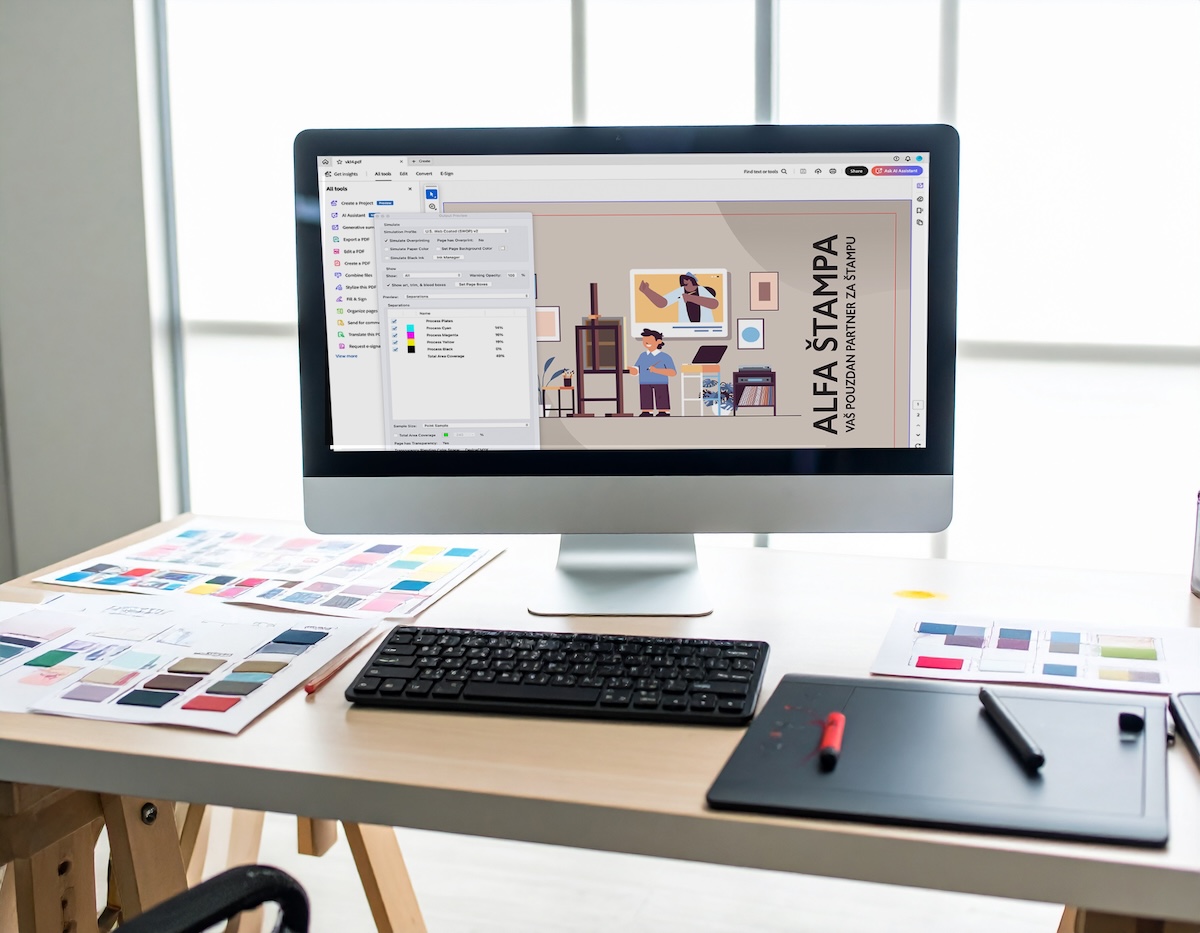
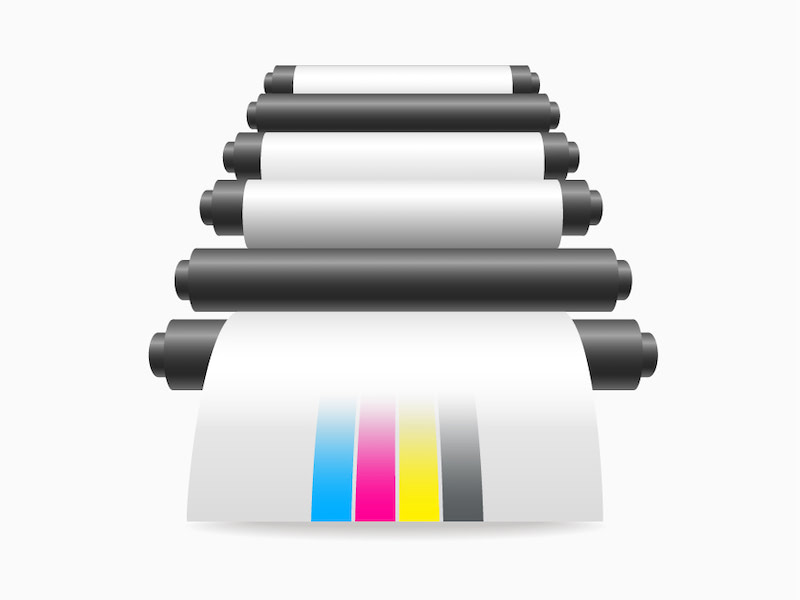
This factor will have the greatest impact on your final print. Every design intended for print should be set to CMYK color mode. Most monitors are set to RGB, which is also the default mode in most design programs. Setting your design program to CMYK mode ensures the best possible color accuracy. Here is how to change the color mode to CMYK in three popular design programs:
Photoshop: Image > Mode > CMYK Color
Illustrator: File > Document Color Mode > CMYK Color
InDesign: Window > Color
2) Vectors or rasters?
Vectors provide image clarity and sharpness at any size. Photographs and many types of images are raster-based. This means that, for example, when you enlarge a photo, the pixels become more and more visible. This is not the case with vectors. You can enlarge vectors as much as you want and their quality will remain the same.
For vectors, the leading design programs are Adobe InDesign and Adobe Illustrator.
Adobe Photoshop is the leading program for editing raster images. Always remember to check that the resolution is set to at least 300 DPI and that you have selected CMYK color mode.
3) Know where your bleeds are
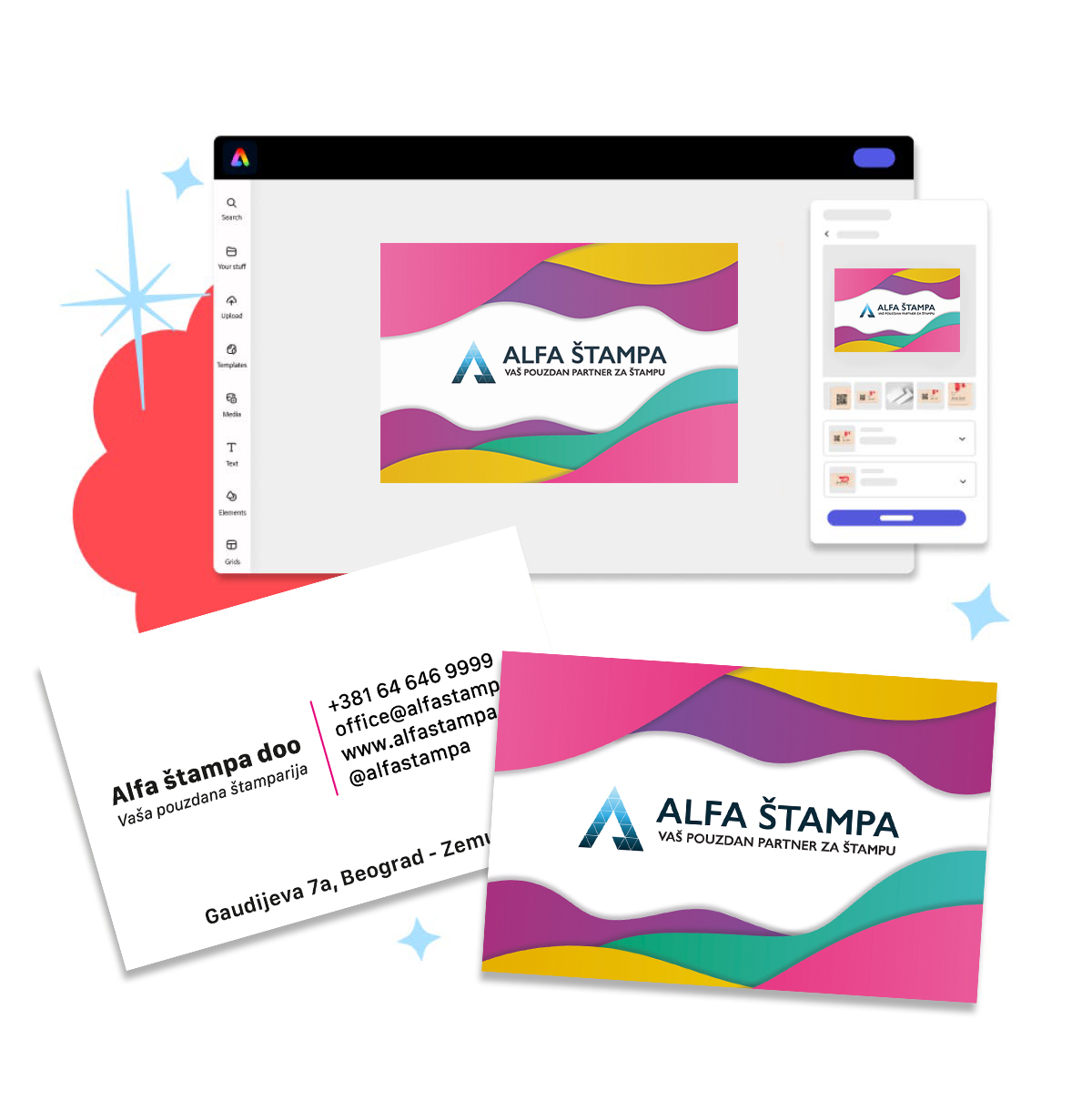
Bleed is the part of the design that is trimmed after printing. Background elements (color/image/graphics) must extend to the very edge of the bleed to avoid possible white edges after trimming. This gives a professional look, because it ensures that the background reaches the very edge when your business card or other printed material is cut. You certainly do not want unwanted white edges on your printed product.
4) Black color
Make sure that black text in the publication is made from a single color — 100% black (C=0, M=0, Y=0, K=100). For larger black areas, black must be set to C=30, M=30, Y=30, K=100; otherwise the print may look pale if printed using only black C=0, M=0, Y=0, K=100. 100K is used only for text, barcodes, lines, etc.
5) Fonts
Fonts, or text, should be converted to curves or embedded in the document so that all letters display correctly.
A font can fail to load when we open it in our software if it is not embedded in the document. It may happen that we do not have that font installed, so it will be replaced with another font. Alfa Print will not be responsible if fonts are not embedded and the text on the final printed product is not the same as the file you sent. Always convert text to curves or embed it in the document.
6) Save files in the correct format
We support the most popular and commonly used formats, such as: .pdf, .jpg, .jpeg, .tif and .tiff. However, we recommend that you send all your files in .pdf format, which is the industry standard for printing.
To summarize:
- Files must be in CMYK mode;
- The resolution must be at least 300 DPI;
- The dimensions of the submitted file must match the dimensions including bleed;
- Text in the publication must be made from a single color C=0, M=0, Y=0, K=100 (100K), while larger black areas must be set to C=30, M=30, Y=30, K=100;
- Fonts should be converted to curves or embedded in the document.